
Opening your wholesale portal…
For your shelves. From our family.
Wholesale,
made simple.
The tortillas your customers come back for. Order by the case, find your past orders, and refill your shelves in a few quick clicks.
Michigan made. Ready for your shelves.
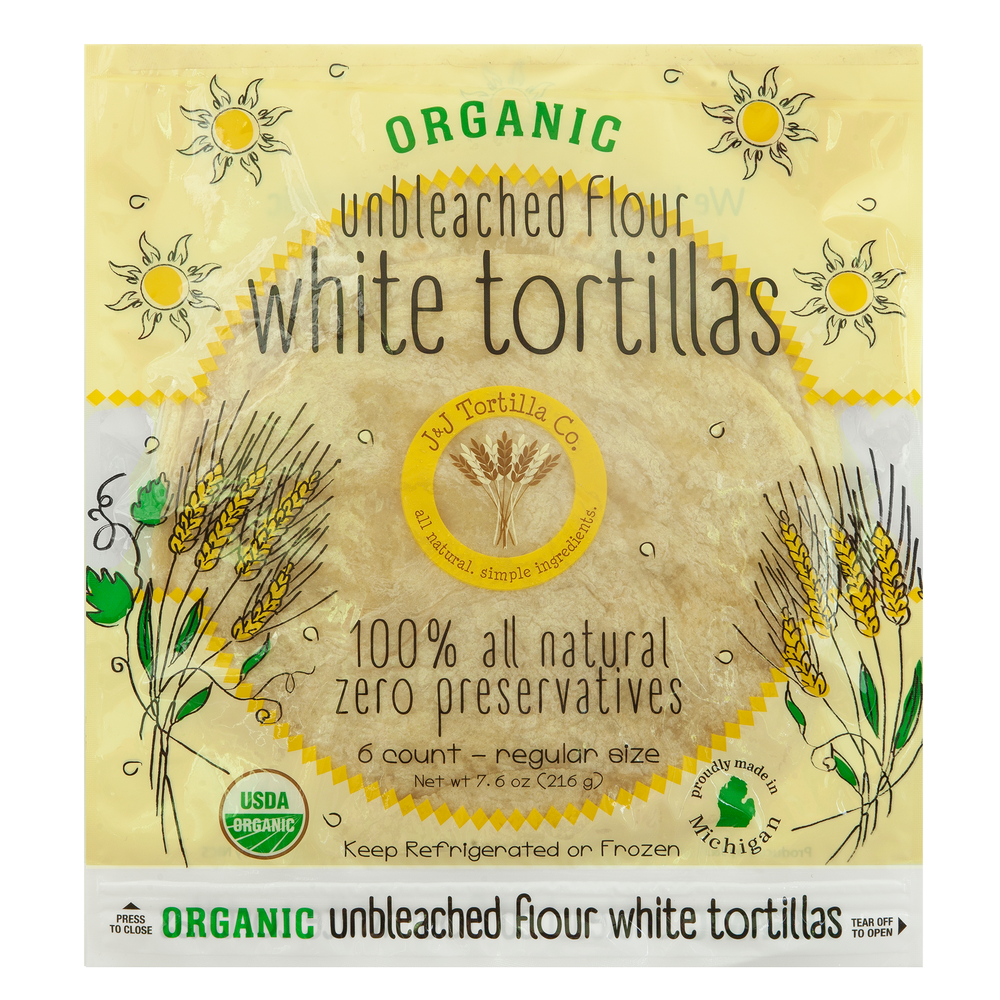
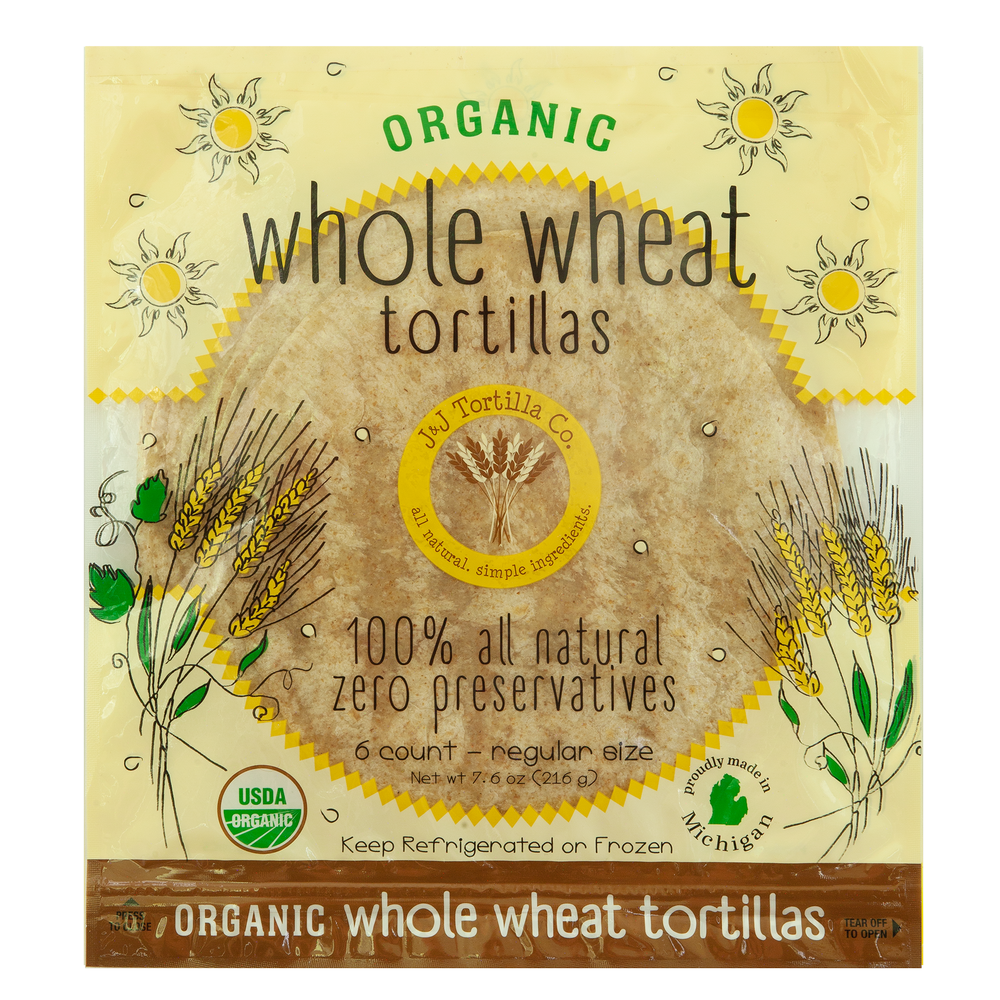
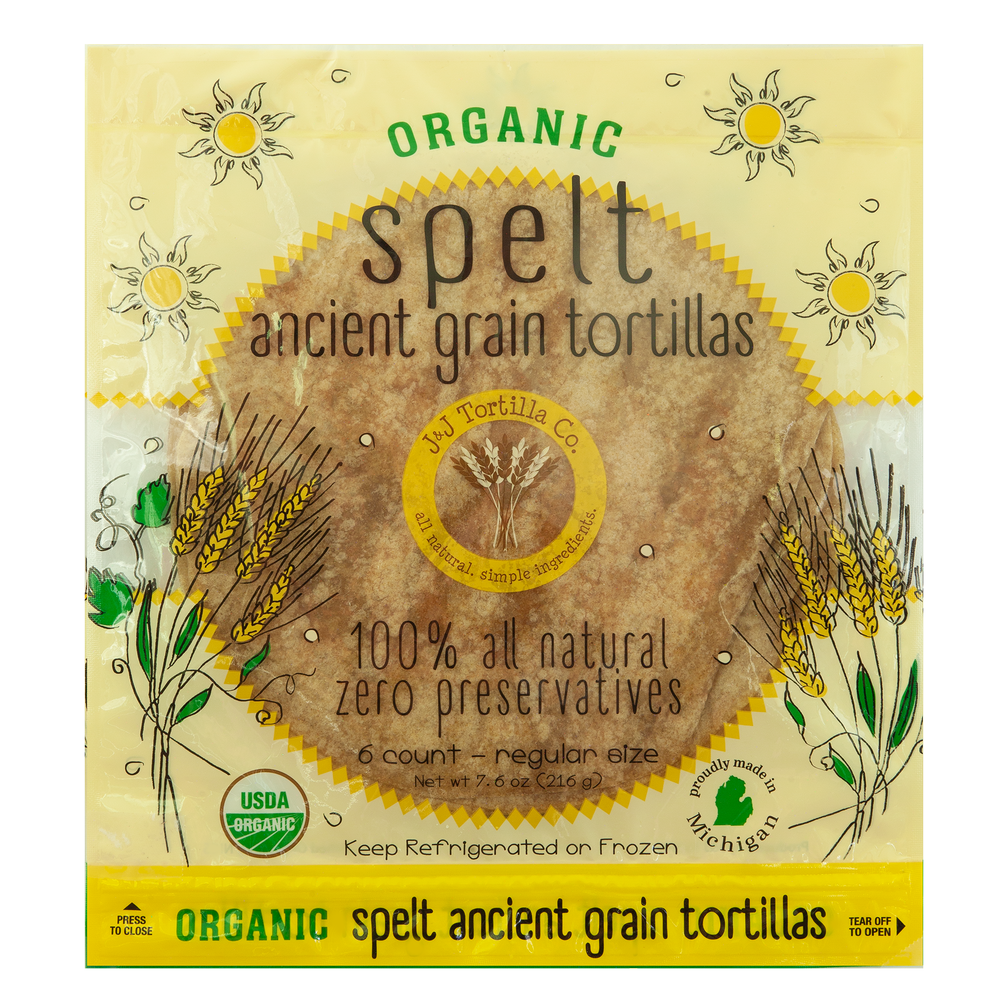
Good, authentic tortillas.Happy shelves.Happy customers.
 USDA OrganicOur certified organic varieties
 No GMO ingredientsSimple ingredients. No shortcuts.
 No seed oil optionsExplore our tallow varieties
Already a wholesale partner?
Place your next order.
Sign in to place your next order, review past orders, or reorder your usual tortillas.
New to J&J?
Bring J&J to your store.
Apply for a wholesale account in four simple steps. J&J will review your details, delivery route, and order minimum before activating your account.
A new store cannot access wholesale pricing until approved.
Keep frozen • Stock refrigerated • Date 21 days from shelving.
Tortilla Care & Stocking Tips
Caring for Your Tortillas
- Keep deliveries frozen until you’re ready to stock your refrigerated shelves.
- We recommend placing the packs on the shelf while still frozen and allowing them to thaw under refrigeration.
- Mark each pack with a best-by date 21 days from the day it goes on the shelf.
- Handle frozen packs gently. Our tortillas are thin and can crack if bent or handled roughly while frozen.
New to Carrying J&J? Start Small and Grow!
Start with a modest order and build as your customers discover their favorites.
Give shoppers time to find us. Once they try J&J, they’ll keep coming back!
Increase your orders as demand grows.
Everything for your shelves.
Build your order.
Choose whole cases from one convenient list, or bring back your last order with one click.
Review the quantities before sending your order.
How to order
- Check your delivery date and ordering cutoff above.
- Open Retail packs or a Food service variety. Enter the number of cases for each product you want.
- To change an order, increase or decrease Cases. Set it to 0 or clear the box to remove an item. Add other products the same way.
- Check Your order, meet your store minimum, and enter a PO number if required. Choose Review & submit order, then confirm. Your order will appear under Orders for this cycle.
Your favorites, remembered.
Previous orders.
Find your past orders by tortilla variety, PO number, delivery date, or order number. Open any order to see its case quantities.
Your previous orders will appear here.
Welcome to the J&J family.
Store details.
Only J&J can see this area.
Administration.
New applications.
Stores.
Set individual minimums and routes. Changes only affect the selected store.
Add an existing QuickBooks store.
Save a store for emailed orders, or invite its buyer to order online. Stores managed by J&J do not need a customer login.
Route calendars.
Choose a Thursday or Friday in the delivery week for each route. Customers see a Thursday–Friday window. Weeks repeat every two weeks (Grand Rapids/Detroit) or three weeks (Traverse City).